How to Choose the Right YouTube Thumbnail for Your Video
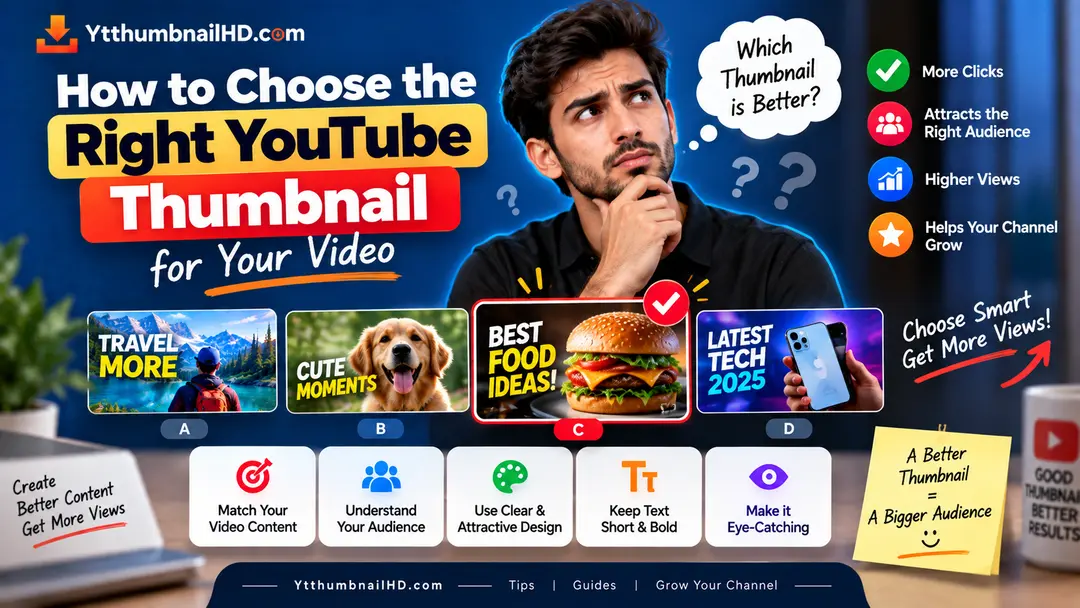
Choosing a YouTube thumbnail is not simply about finding the most attractive image. The right thumbnail should represent what your video is actually about, make sense for your target audience, and give viewers a clear reason to consider watching.
A gaming video, tutorial, review, vlog, educational video, and reaction video may all need completely different thumbnail approaches. What works for one type of content may not work as well for another.
Choose a thumbnail that matches your video's main idea, audience, and tone. Use one strong visual focus, keep the message easy to understand, and make sure the thumbnail accurately represents the video.
1. Start With the Video Topic
The first step in choosing a thumbnail is understanding what your video is actually about.
Before selecting an image, ask yourself one simple question:
If someone saw only the thumbnail, what should they understand about the video?
The answer should influence the entire thumbnail concept. A tutorial may need to show the result or the problem being solved, while a review may benefit from showing the product clearly.
Do not start with a random attractive image and then try to make the video fit around it. Start with the content and build the visual idea from there.
2. Identify the Main Message
Most thumbnails work better when they communicate one primary idea instead of several different messages at the same time.
Look at your video and identify its most important takeaway. This could be a result, comparison, problem, product, person, location, transformation, or specific question.
Problem
Show the problem your video helps viewers understand or solve.
Result
Highlight the outcome when the result is the main reason viewers would watch.
Comparison
Clearly show the two things being compared when comparison is central to the video.
Subject
Put the main person, product, place, or object at the center of the visual idea.
3. Consider the Type of Video
Your video format is one of the easiest ways to decide what kind of thumbnail concept makes sense.
Tutorials
Show the result, tool, process, or problem being solved. The viewer should quickly understand what they can learn.
Reviews
Make the reviewed product or subject easy to recognize. A clear product-focused visual can work better than a crowded composition.
Gaming
Focus on an important character, moment, challenge, result, or recognizable element from the game.
Vlogs
Choose a strong moment, location, person, or situation that represents the story of the vlog.
Educational Videos
Focus on the main concept, subject, question, object, or visual explanation.
Reaction Videos
The reaction itself may be important, but the thumbnail should still give enough context about what caused the reaction.
4. Think About Your Audience
A thumbnail should make sense to the people who are most likely to watch your video.
Think about what your audience already knows and what they are looking for. A thumbnail for beginners may need to be more straightforward than one aimed at an audience that already understands the subject.
For example, a technical audience may immediately recognize a software interface or technical term, while a general audience may need a more visual explanation.
Would someone from your target audience understand the thumbnail quickly without needing to study every detail?
5. Choose the Right Main Visual
Once you know the video's main idea, choose the visual that communicates it most effectively.
Depending on the video, the main visual could be a person, product, screenshot, object, location, before-and-after result, or a combination of a few elements.
Try to avoid filling the thumbnail with unrelated images. More elements do not automatically make a thumbnail more interesting.
Ask These Questions
- Is the main subject easy to identify?
- Does the visual represent the actual video?
- Is the most important element visually dominant?
- Will the image remain understandable at a small size?
- Are unnecessary objects making the composition harder to understand?
6. Decide Whether You Need Text
Not every YouTube thumbnail needs text.
Sometimes a strong image can communicate the idea by itself. In other cases, a few words can provide important context that the visual cannot communicate alone.
If you use text, keep the message focused. Avoid writing the entire video title inside the thumbnail.
Think of thumbnail text as supporting the visual, not replacing it.
Your text should also remain readable when the thumbnail appears small on a phone or in a list of recommended videos.
7. Make the Thumbnail Work With the Title
Your thumbnail and title are usually viewed together, so they should complement each other.
If the title already explains the topic clearly, the thumbnail can focus more heavily on the visual idea. If the visual alone needs additional context, a small amount of text may help.
Good Combination
The title and thumbnail provide different pieces of information while clearly referring to the same video.
Weak Combination
The thumbnail simply repeats the complete title without adding anything useful.
The goal is not to make the thumbnail and title identical. The goal is to make them work together as one clear package.
8. Avoid Misleading Thumbnail Ideas
A thumbnail can be visually strong without making a promise that the video does not deliver.
If the thumbnail shows something that viewers cannot actually find in the video, people may feel misled after clicking.
YouTube also advises creators to avoid misleading, clickbait-style thumbnails that do not accurately represent the content.
Create curiosity around something that is genuinely present in the video instead of using an unrelated image simply to attract attention.
9. Thumbnail Choices for Different Videos
There is no single thumbnail style that is perfect for every type of YouTube content. Here are some practical starting points.
How-To Video
Show the result, tool, or problem being solved. Make the learning outcome obvious.
Product Review
Make the product recognizable and use a visual that supports the review's main point.
Travel Video
Choose a strong location, experience, or memorable moment that represents the trip.
Educational Video
Highlight the central subject or question instead of trying to represent every point covered in the video.
10. Use the Correct Thumbnail Dimensions
After deciding on the concept, make sure the final image follows YouTube's recommended thumbnail specifications.
For regular YouTube videos, YouTube currently recommends a 16:9 thumbnail at 3840 × 2160 pixels, with a minimum width of 640 pixels. JPEG and PNG are among the supported image formats.
If you want the complete specifications, including aspect ratio, resolution, file formats, and practical sizing information, see our complete YouTube thumbnail size guide .
11. Final Checklist Before Using Your Thumbnail
Before uploading your thumbnail, take a final look at it using this simple checklist.
- It represents the actual video.
- The main subject is immediately recognizable.
- The thumbnail communicates one clear idea.
- The important elements are easy to see.
- Any text is short and readable.
- The thumbnail works naturally with the video title.
- There are no unnecessary visual elements creating confusion.
- The image follows the appropriate YouTube thumbnail specifications.
What If You're Not Sure Which Thumbnail Is Better?
Sometimes two or more thumbnail ideas can all look reasonable. Instead of choosing based only on personal preference, compare how clearly each one communicates the video's main idea.
Eligible YouTube creators can also use YouTube's built-in title and thumbnail testing feature to compare different versions. YouTube says the winning combination is determined using watch time rather than CTR alone.
Testing is especially useful when you have two genuinely different ideas and want real audience data to help determine which presentation works better.
Need to Download a YouTube Thumbnail?
If you want to save the thumbnail from a YouTube video, you can use YTThumbnailHD to quickly extract the available thumbnail image.
Download YouTube ThumbnailFrequently Asked Questions
Choose a thumbnail that clearly represents your video's main idea, matches your audience and content type, and remains easy to understand at a small size.
Your thumbnail and title should work together. They do not need to repeat the same information, but both should accurately represent the same video and give viewers a clear understanding of what they are about to watch.
No. Some thumbnails can communicate the video's idea effectively through a strong visual alone. Use text when it adds useful context rather than adding words simply to fill space.
The thumbnail should highlight the most important visual idea from that type of content. A tutorial may focus on the result or process, while a review may focus on the product and a vlog may focus on a memorable moment or location.
Eligible creators can use YouTube's thumbnail and title testing feature to compare different versions. YouTube currently evaluates the results using watch time rather than relying only on impressions CTR.